Saved searches and email alerts
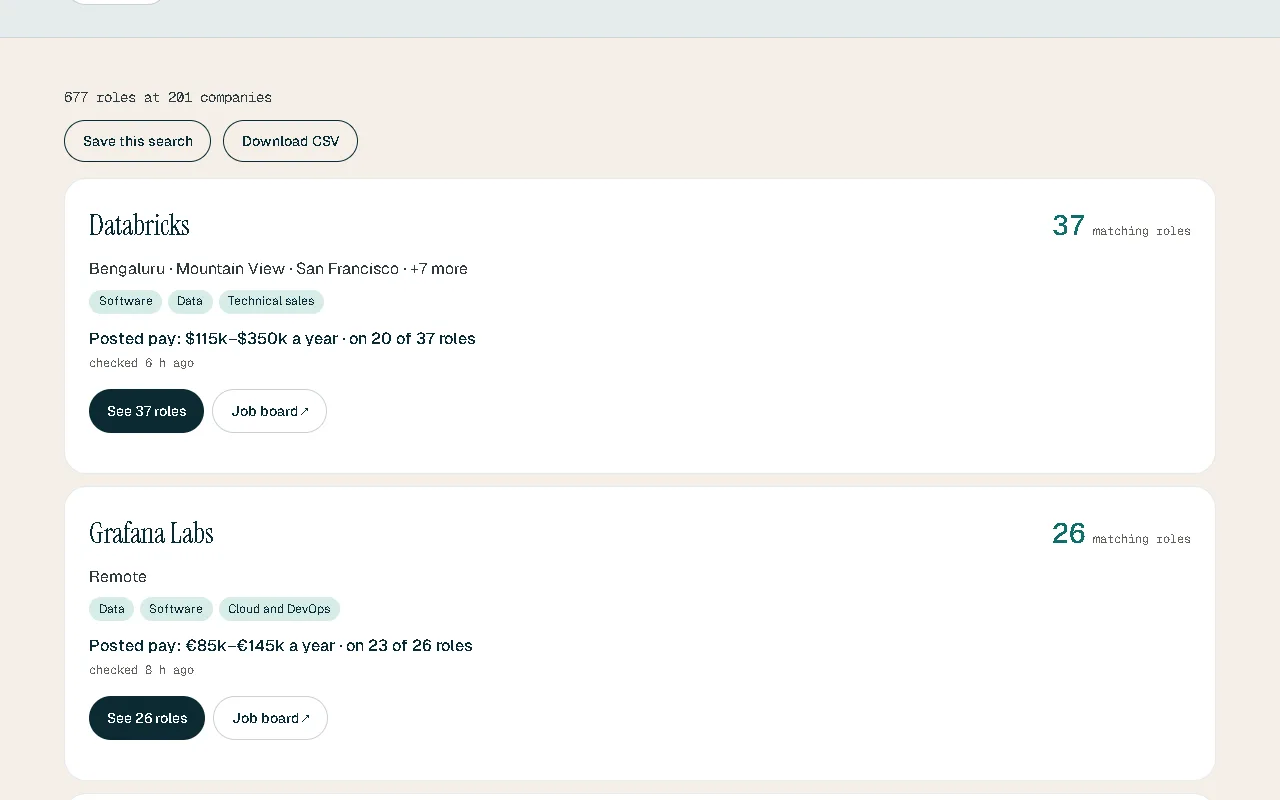
Save a search once. Tideline emails you its new roles, so you don’t have to run it again.
The problem
A good role can open and fill within days. Running the same search every morning is easy to forget, and the day you skip is the day it appears.
What you get
-
Saved with your account
Open your searches from any device and see today’s roles in one click.
-
New roles by email
Each email lists only the roles opened since the last one.
-
Weekly or daily
Choose how often each alert arrives.
-
Your next steps
If you track applications, the email also lists your own next steps for the coming week.
How it works
- Search, then press “Save this search”.
- Sign in to keep it with your account.
- Turn on its email alert and pick how often.
Good to know
At most one email per search each day. Every email has a link to turn that alert off.
In each plan
| Feature | Free | Tideline Pro | Tideline Pro Plus |
|---|---|---|---|
| Saved searches | 20 | 100 | 500 |
| Searches with an email alert | 1 | 20 | 50 |
| How often alerts arrive | Weekly | Weekly or daily | Weekly or daily |
Questions
How many searches can I save?
It depends on your plan; the table below shows each.
Can I stop the emails?
Yes: one link in every email, or the switch beside the search in your account.
What do you do with my email address?
It is used to sign you in and to send the alerts you turn on. The privacy notice has the details.